

Operational view
Vista operativa (Operations) shows the harbour on the chosen night: who is in, who arrives, who leaves, what is free.
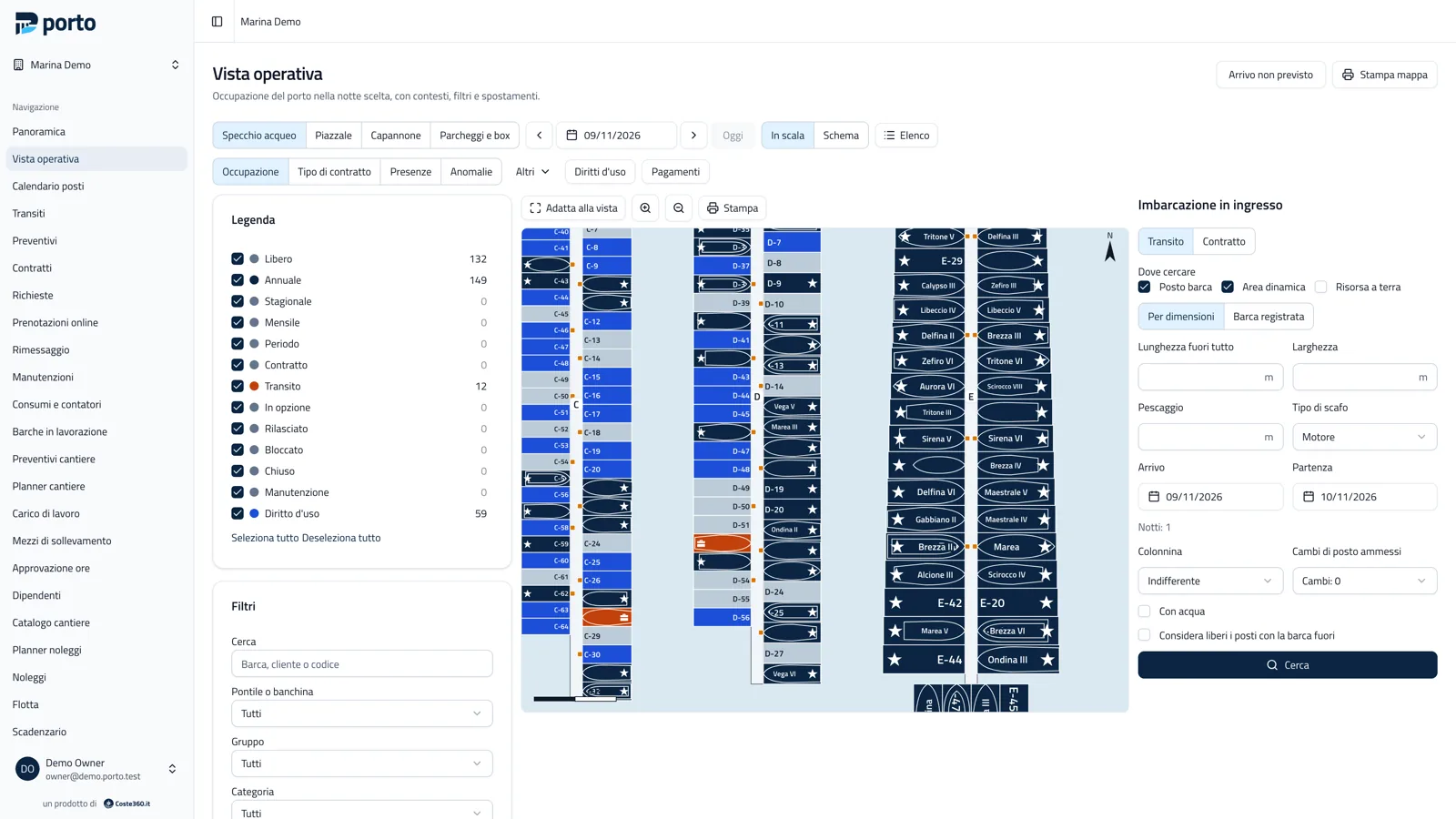
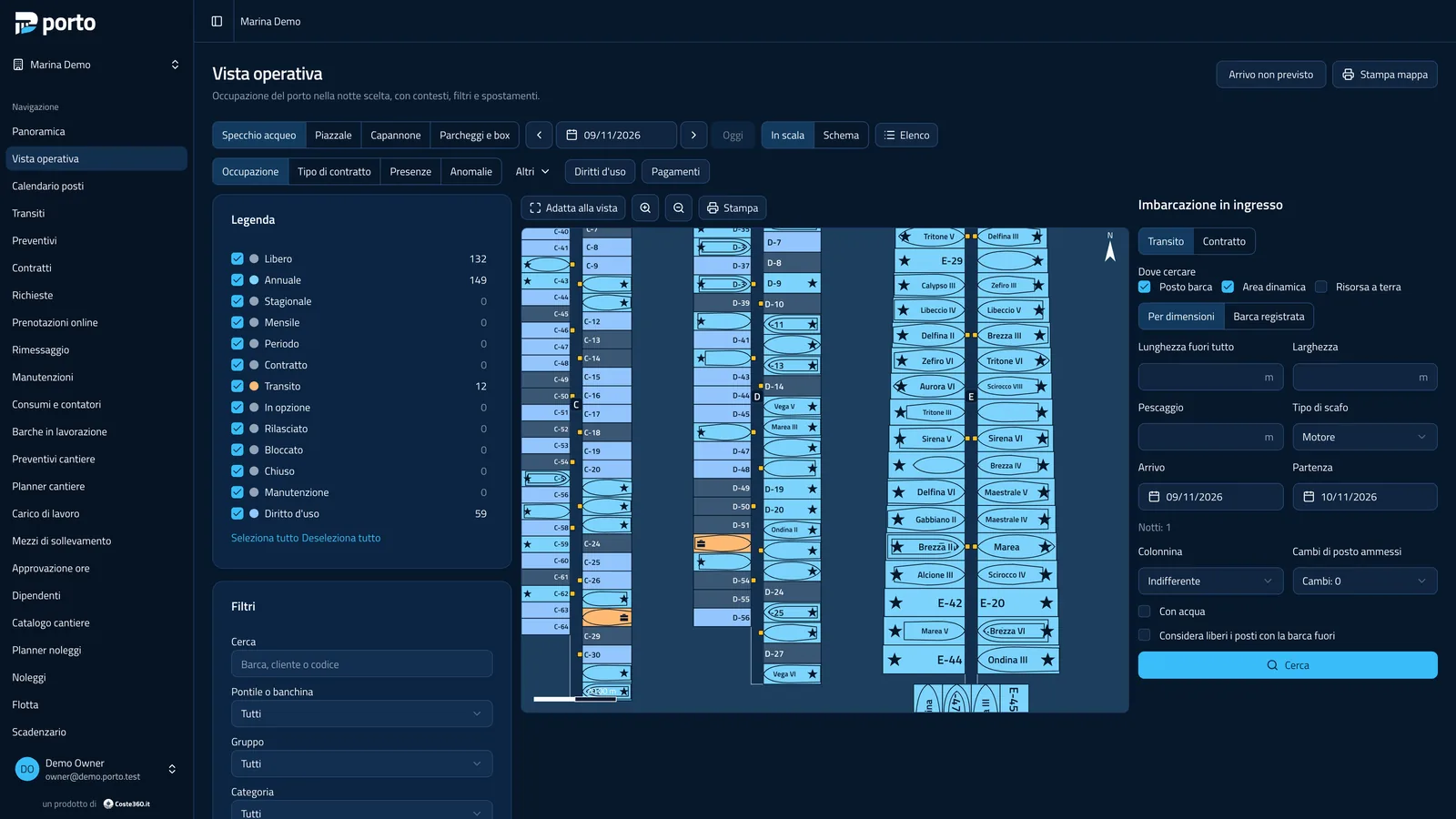
To scale or schematic
Section titled “To scale or schematic”- To scale: real geometry and boat silhouettes, best with an orthophoto.
- Schematic: each berth is a readable tile with the code and the boat name, in the same order along the pier. It is the handiest view at the desk. Dynamic areas and sheds always stay to scale.
The tabs at the top choose the map (water area, yard, shed, parking and boxes) and the date; Elenco (List) shows the same data as a list, useful with screen readers too. Stampa mappa prints the map of the day.
Lenses
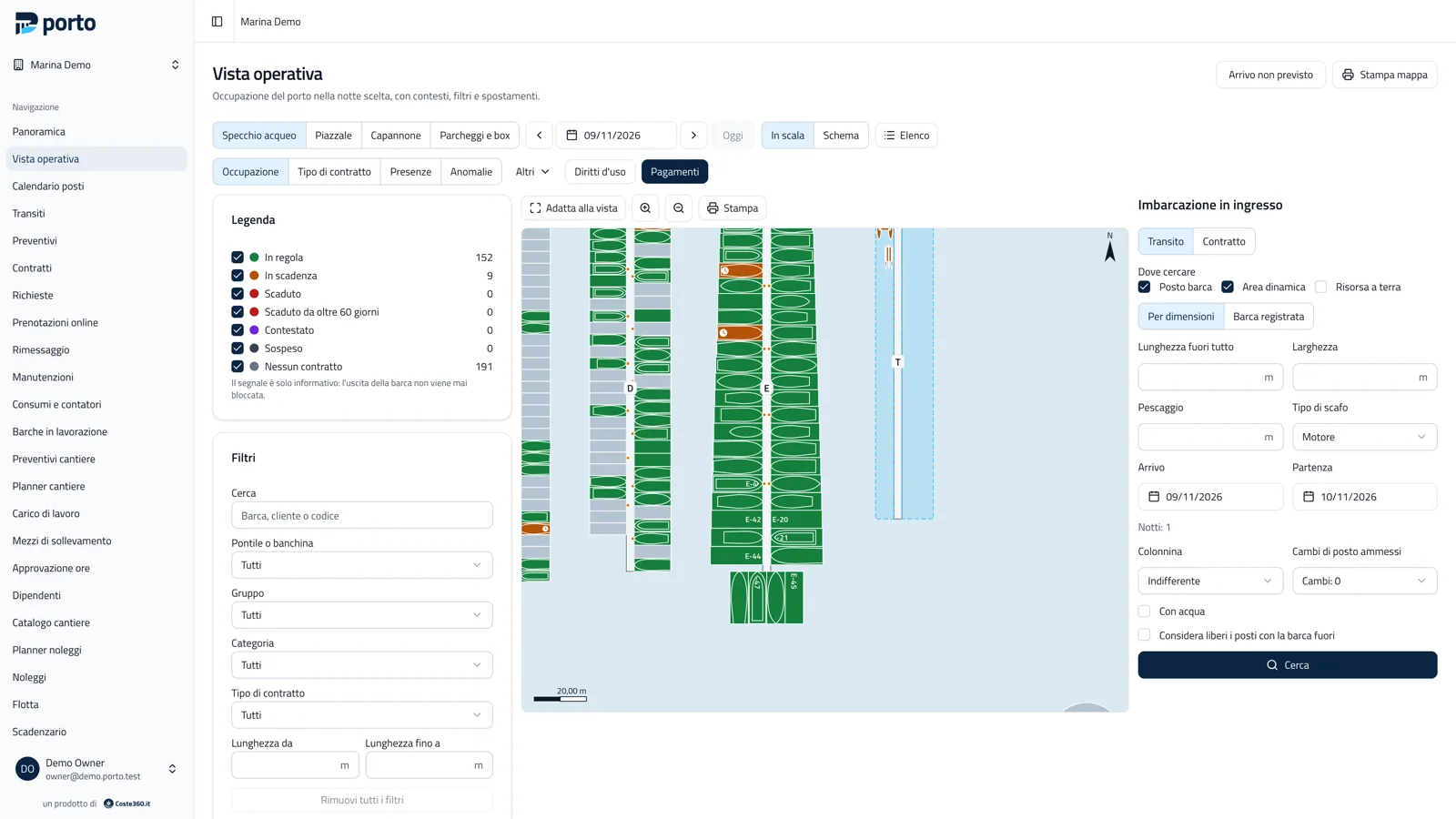
Section titled “Lenses”The same map is coloured by lens: Occupazione (occupancy), Tipo di contratto, Presenze (presence), Anomalie, Diritti d’uso (berth rights), Pagamenti (payments) and, in the Altri menu, vessel type, deadlines, boat/berth fit, maintenance, sensors and utilities.
The legend is the filter: each entry has a checkbox and the count of elements in that state. Untick it to turn them off. Filters (pier, group, category, free text) grey out the excluded elements. Besides colour, every state has a glyph (star for annual, suitcase for transit, clock for option, wrench for maintenance).
Berth card
Section titled “Berth card”Tapping a berth opens its card: boat, customer, contract, balance and overdue instalments, presence, expiring documents, sensor readings. From there, according to permissions: new transit or quote, arrival and departure, move, release nights, block, open maintenance, collect payment, open the contract or the customer.
Incoming vessel
Section titled “Incoming vessel”The panel on the right finds a berth for a boat: Transit or Contract, where to search (berth, dynamic area, land resource), sizes (length, beam, draft, hull type) or a registered boat, dates, pedestal, water and allowed berth changes. Porto proposes the compatible solutions with the price list price; one tap creates the quote or the transit.
With Considera liberi i posti con la barca fuori (treat berths whose boat is away as free) the search includes contract berths whose boat is absent: the solution needs the nights to be released under the contract’s rules. A search with no solution can be saved as an unmet inquiry, for the lost demand report.
Dynamic pier and moves
Section titled “Dynamic pier and moves”Every boat is moved by dragging it. While dragging, Porto shows whether the space is free and compatible for the whole period (green), compatible with warnings (yellow) or in conflict (red). On drop it asks from when the move applies (today, from a date, for an interval) and shows the effect on price if the category changes. Boat sizes do not stretch: they come from the boat’s record.
On dynamic areas and in sheds you work on a draft: move, remove and add several boats, then Salva (all moves together) or Ripristina (discard). Compaction brings the boats of an area closer to free space. Moves can be undone within 24 hours.
Arrivals, departures and presence
Section titled “Arrivals, departures and presence”Below the map are the day’s arrivals and departures and the boats away. Arrivals and departures are recorded from the card, the list or the dock staff’s phone (Phone and offline). Arrivo non previsto (unexpected arrival) records a boat that arrived without a booking on a free berth, to be completed at the office.
Berth calendar
Section titled “Berth calendar”Calendario posti is the berths × days grid: drag a bar horizontally to change dates, vertically to change berth, or create a transit on a free space.


Porto is developed by Coste360 SRL. Source available under the BSL 1.1; the Porto trademark is not covered by the licence.