

Operator guide
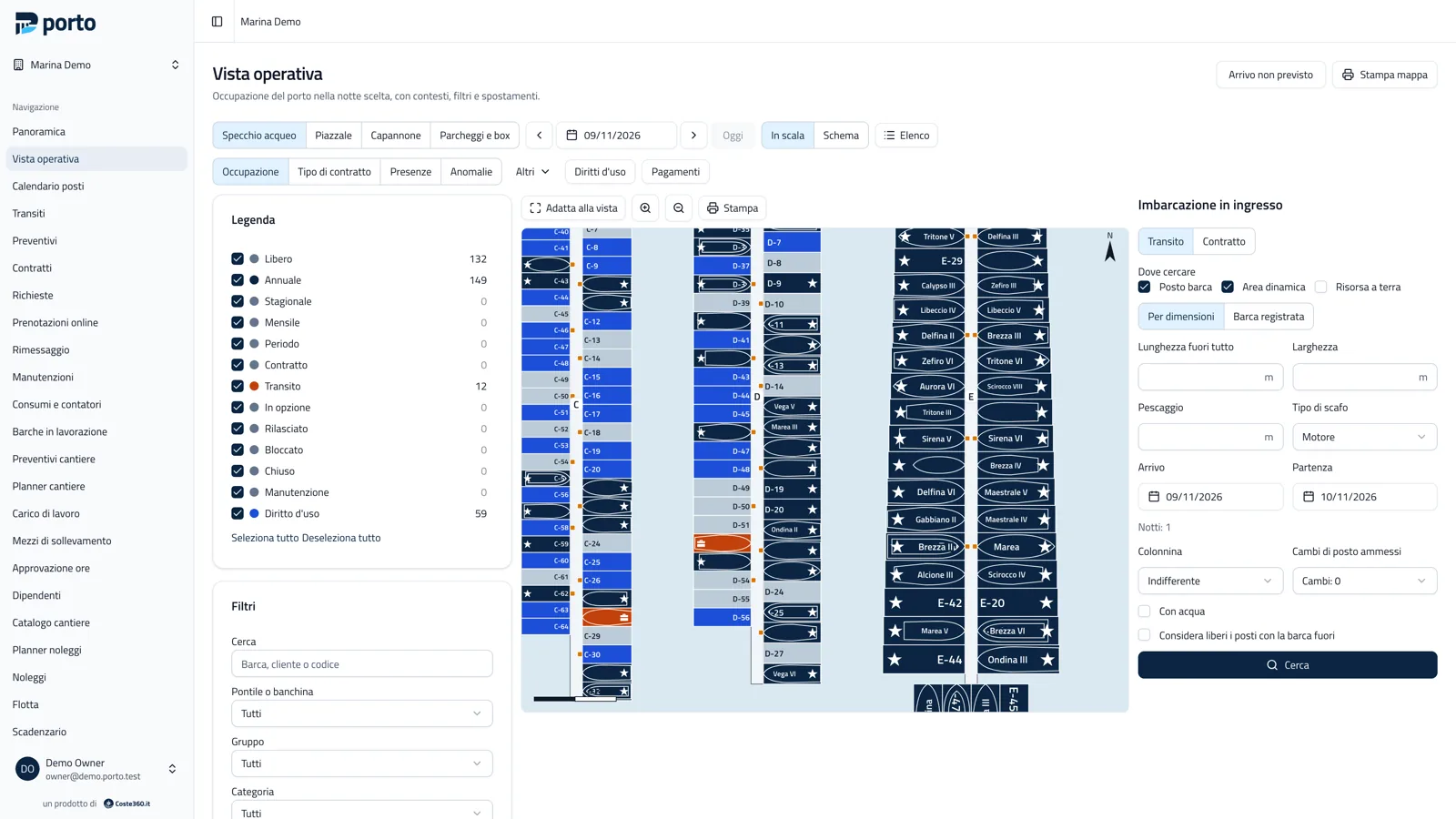
Porto’s panel opens at https://<your-domain>/admin/ (or in the desktop app window). It works on the office
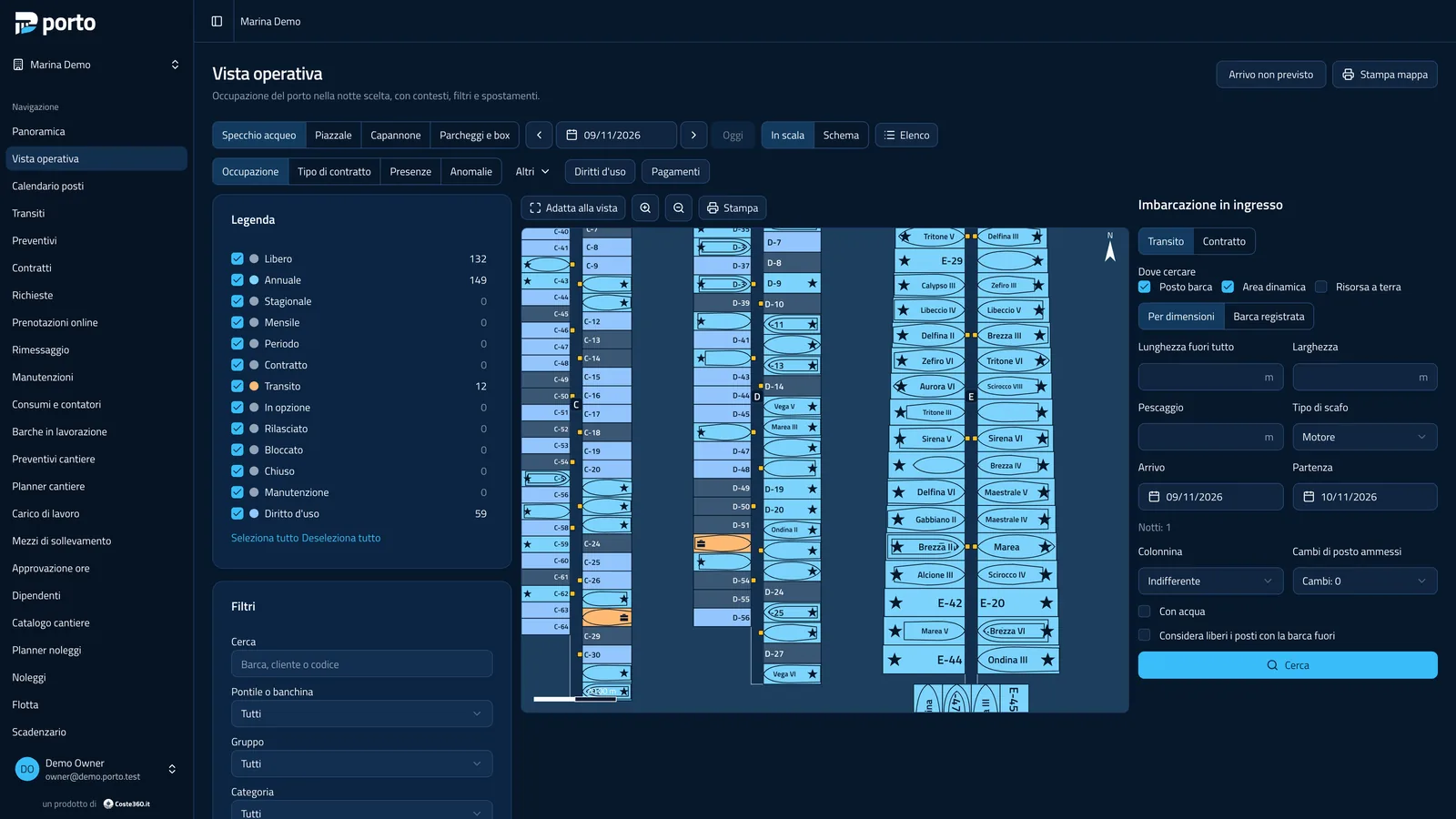
computer, on a tablet and on a phone, in Italian or English, with a light or dark theme. This guide quotes the Italian
labels of the panel in italics, with the English label where it helps.
Organization and marinas
Section titled “Organization and marinas”An organization (the operating company) can have several marinas, each with its own maps, price lists, contracts, users and public page. Switch marina from the selector at the top of the sidebar.
The sidebar
Section titled “The sidebar”Items appear according to the permissions of your role:
| Area | Main items | Guide |
|---|---|---|
| Daily work | Panoramica (Overview), Vista operativa (Operations), Calendario posti (Berth calendar), Transiti, Preventivi (Quotes), Contratti, Richieste (Inquiries) | Operational view, Contracts and transits |
| Online booking | Prenotazioni online | Online booking |
| Dry storage and maintenance | Rimessaggio, Manutenzioni, Consumi e contatori | Dry storage, Maintenance and utilities |
| Boatyard | Barche in lavorazione, Preventivi cantiere, Planner cantiere, Carico di lavoro, Mezzi di sollevamento, Approvazione ore, Dipendenti, Catalogo cantiere | Boatyard |
| Rentals | Planner noleggi, Noleggi, Flotta | Rentals |
| Registry and setup | Clienti, Imbarcazioni, Scadenze, Mappe, Listini, Articoli e servizi | Customers, Map, Price lists |
| Contracts and rights | Scadenzario, Rinnovi, Charter, Lista d’attesa, Diritti d’uso, Cessioni, Mandati, Oneri di gestione, Spese comuni, Firme, Comunicazioni, Modelli di stampa | Renewals, templates and signature, Berth rights |
| Charges and payments | Addebiti, Pagamenti, Cassa, Corrispettivi, Sospesi e scadenze, Solleciti, Richieste di pagamento, Esportazioni | Charges and payments, Cash register |
| Reports | Report | Reports and dashboard |
| Administration | Team, Chiavi API, Dispositivi, Webhook, Registro attività, settings | Team and security |
| Role | What it does |
|---|---|
| Owner | everything, including users, roles and provider credentials |
| Management | marina setup, map, price lists, templates and all operations |
| Office | customers, quotes, contracts, transits, payments, dry storage, rentals |
| Accounting | charges, payments, refunds, invoicing export, berth rights and condominium |
| Dock staff | dock: arrivals, departures, moves, readings, cash payments, desk transits |
| Yard manager | boatyard: quotes, work orders, planner, hours; dry storage |
| Yard worker | own hours and yard tasks, maintenance reports |
| Rental staff | rentals, check-outs, returns and payments |
| Read only | map and reports |
A user can have different roles in different marinas. Details in Team and security.
Live updates
Section titled “Live updates”Changes made at the office, on the dock or from the booking page show up at once on the other screens, without reloading the page.


Porto is developed by Coste360 SRL. Source available under the BSL 1.1; the Porto trademark is not covered by the licence.